
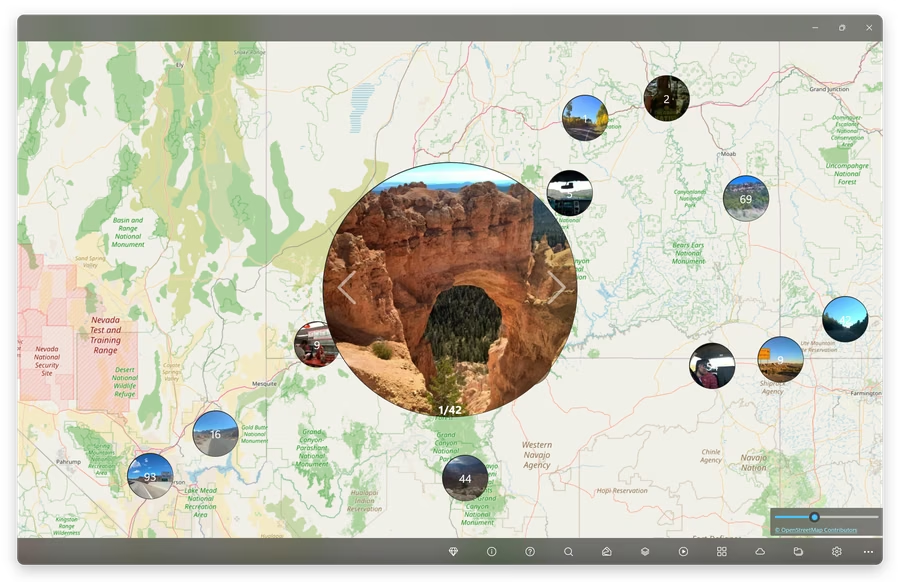


Why choose GeoPhoto?
- Photos on a map: explore travel, family and archive photos by the place where they were captured.
- Geotag editing: add or correct GPS positions when camera, drone or imported photos are missing location data.
- Track-based geotagging: import GPX or KML tracks and use them to geotag photos and videos.
- Local and practical: work with folders, EXIF metadata and common media formats without creating an account.
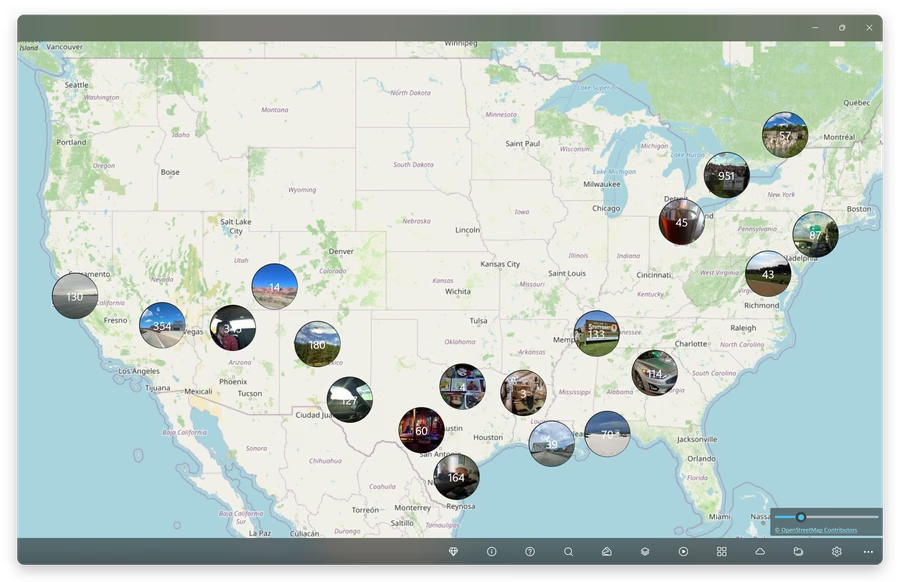
Rediscover trips on a map
GeoPhoto groups your media by location so you can browse road trips, holidays, family albums and long photo archives visually instead of digging through folders.
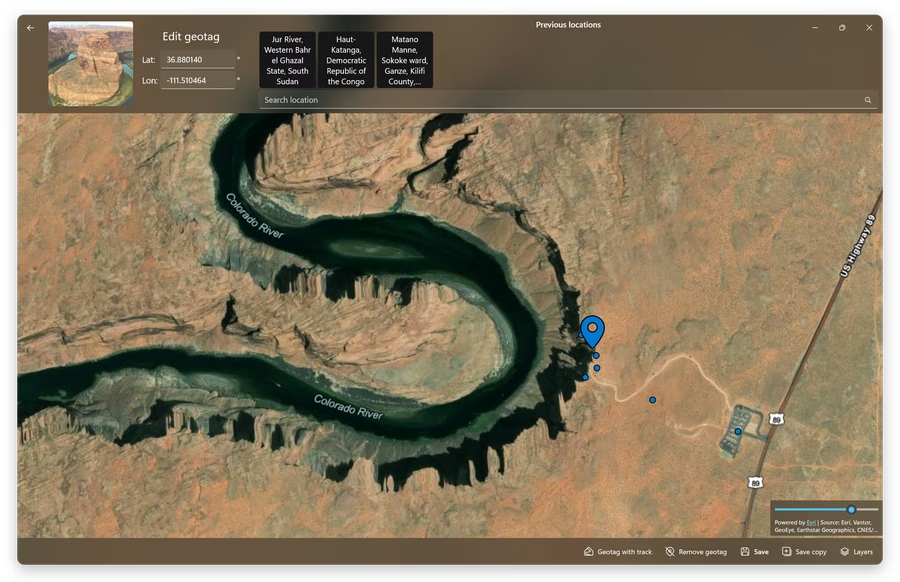
Add or correct photo locations
Set precise coordinates manually, reuse previous locations or correct wrong GPS metadata. GeoPhoto writes location data back to supported files using ExifTool.
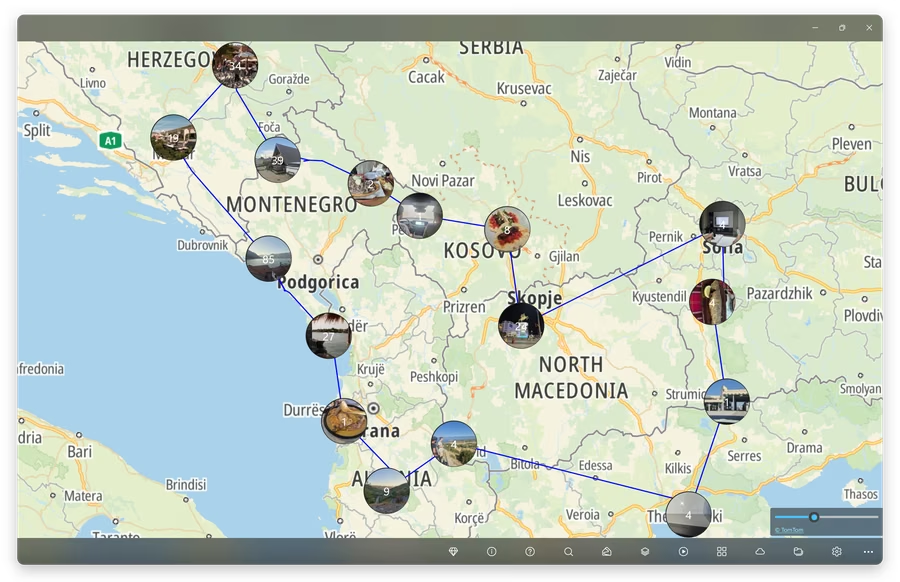
Geotag with GPX and KML tracks
If your camera did not save GPS data, record a route with a GPS device or phone app, import the GPX or KML track and use it to match photos to the places where they were taken.
Unlock GeoPhoto Pro
GeoPhoto is free to try. GeoPhoto Pro is for larger photo libraries and serious geotagging work.
- Unlimited map view: show more than 1000 photos and videos on the map.
- Unlimited geotagging: add or edit GPS metadata for as many files as you need.
- GPS track workflow: import and view GPX, KML and KMZ tracks and use them to geotag files.
- SkyView on Windows: satellite and hybrid maps are available as a separate subscription that includes Pro features.
Feature overview
- View photos and videos on an interactive world map
- Add GPS geotags to photos and videos
- Edit existing photo locations and remove wrong geotags
- Import GPX, KML and KMZ path data for track-assisted geotagging
- Read existing GPS coordinates and detailed EXIF metadata
- Support for JPG, JPEG, PNG, TIFF, HEIC, HEIF, HIF, RAW camera formats and common video files
- Read media from custom folders on Windows and Mac
- Access the macOS Photos library on Mac
- Use OneDrive integration on Windows to view cloud photos directly on the map
- Automatically group nearby or related media
- Remember previous geotag locations for faster editing
- Export location data as GPX
- Choose different map layer styles
- Free to use with optional GeoPhoto Pro upgrade
Frequently asked questions
Is GeoPhoto free?
Yes. You can use GeoPhoto for free. GeoPhoto Pro is for larger photo and video collections, unlimited geotagging and track-based workflows.
Can GeoPhoto add missing photo locations?
Yes. You can add or correct locations manually, or use a GPX, KML or KMZ track to geotag photos and videos from a recorded route.
Why are some photos not shown on the map?
Photos and videos need GPS location data to appear on the map. Files without a geotag can be opened separately in GeoPhoto and assigned a location.
Does GeoPhoto upload my photos?
No. GeoPhoto does not upload your photo or video files. For more details, see the Privacy Policy.
What do GeoPhoto Pro and SkyView include?
GeoPhoto Pro lets you show larger photo and video collections on the map, unlocks unlimited geotagging, and adds GPX, KML and KMZ track workflows. On Windows, SkyView adds satellite and hybrid map layers and includes GeoPhoto Pro features while active.